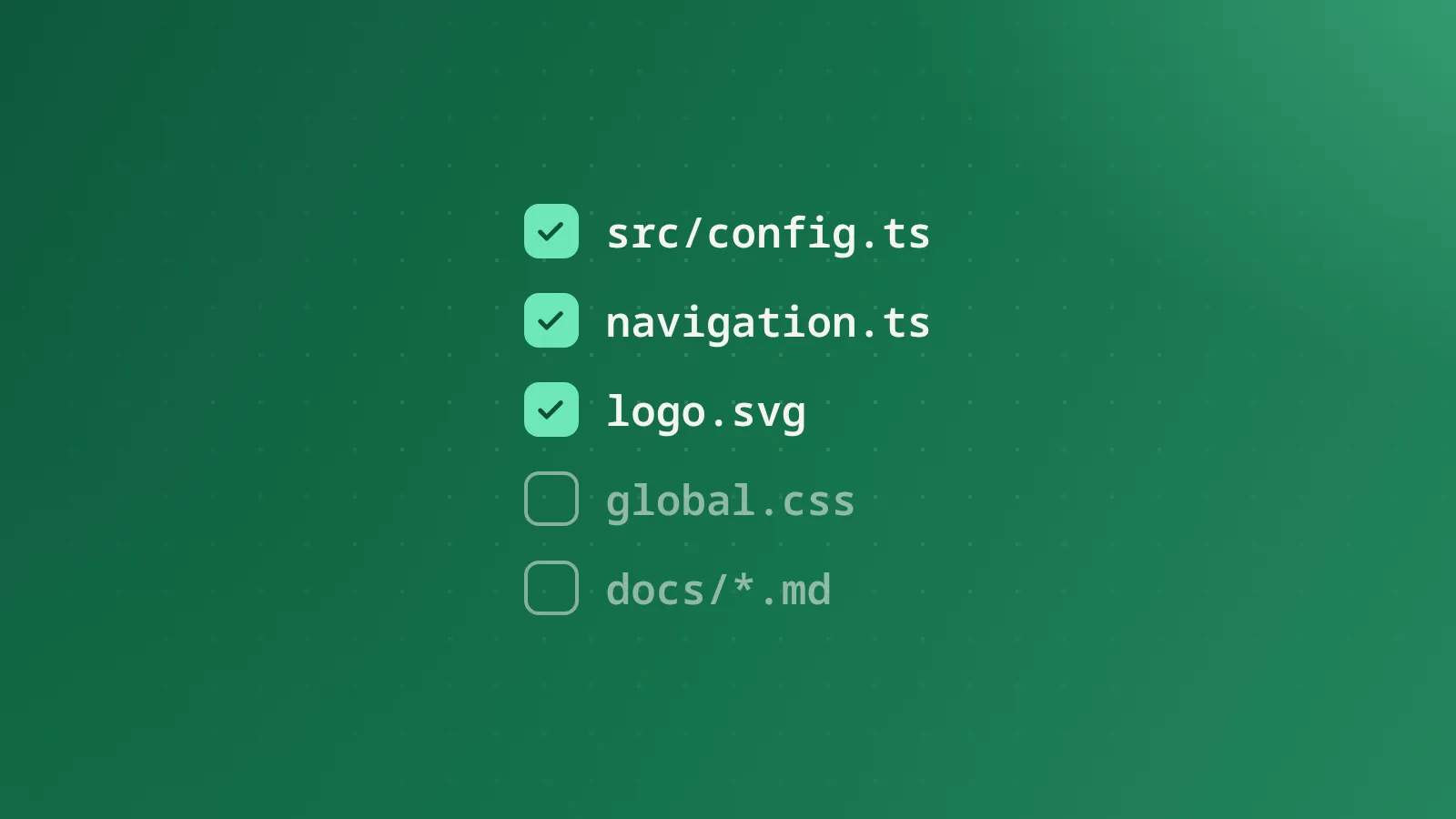
Five things to change before you ship
A short checklist for making a freshly cloned Flect site look like yours instead of the demo, in roughly the order you'll actually hit them.
On this page
A freshly cloned Flect site is, deliberately, still the demo: the sample docs, the sample accent color, the sample logo. None of that is meant to survive contact with your project. Here’s the checklist, in the order you’ll actually run into it.
1. src/config.ts
This is siteConfig: your name, tagline, description, GitHub URL, and theme color. It’s read by BaseLayout.astro for the page title, the meta description, and the Open Graph tags, so it’s worth getting right before you worry about anything visual. If you’re not using GitHub Sponsors, set githubSponsorsUrl to an empty string and the “Support” link in the header and footer disappears on its own, with no template conditional to hunt down.
2. src/data/navigation.ts
Delete the sample groups and replace them with your own. navGroups is a plain typed array (a list of groups, each with a title and a list of { title, href } items), and it drives three things at once: the desktop sidebar, the mobile navigation panel, and (via the flattened quickLinks export) the footer’s quick links. Change it once here and all three update together, which is the entire reason it isn’t duplicated in three separate files.
3. The logo
src/components/Logo.astro and the SVGs under public/ (logo.svg, logo-dark.svg, favicon.svg) are the demo mark. Swap them for your own. An SVG import into that component and matching files under public/ is all that’s required. If you don’t have a mark yet, a plain wordmark works fine as a placeholder; the layout doesn’t assume anything about the logo’s shape.
4. The accent color
Everything in src/styles/global.css is one file, and the colors are CSS custom properties split between :root (light theme) and :root[data-theme="dark"] (dark theme). Changing --accent and --accent-strong in both blocks re-themes the whole site (buttons, links, active nav states, the search trigger’s focus ring), because every component reads from those variables instead of hardcoding a color. One thing that’s easy to miss: --accent and the themeColor field back in src/config.ts are two separate values that don’t sync automatically. The CSS variable colors the page; themeColor only colors the browser’s own UI chrome (the address bar on mobile). Update both or they’ll drift.
5. BASE_PATH and the deploy workflow
If you’re deploying to GitHub Pages under a project path (username.github.io/your-repo), astro.config.mjs needs base set to match, and every internal link in the codebase already routes through a withBase() helper specifically so this works without hunting down hardcoded paths. The default workflows read BASE_PATH from the environment, so in the common case you’re editing one line in astro.config.mjs (the fallback default) and letting CI’s environment variable handle the rest. Get this wrong and the symptom is oddly specific: everything works locally, then every internal link 404s on the deployed site. If that happens, this is the first thing to check.
None of these five take more than a few minutes individually. Doing them in this order just means each one builds on a working version of the last, instead of hunting down subtly broken theming after you’ve already meant to change five things at once.